
1
Select
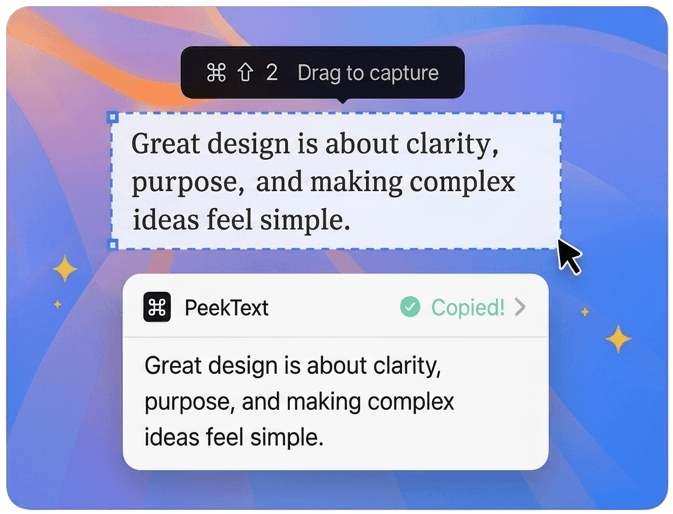
Press ⌘ ⇧ 2 then drag over any text on your screen.
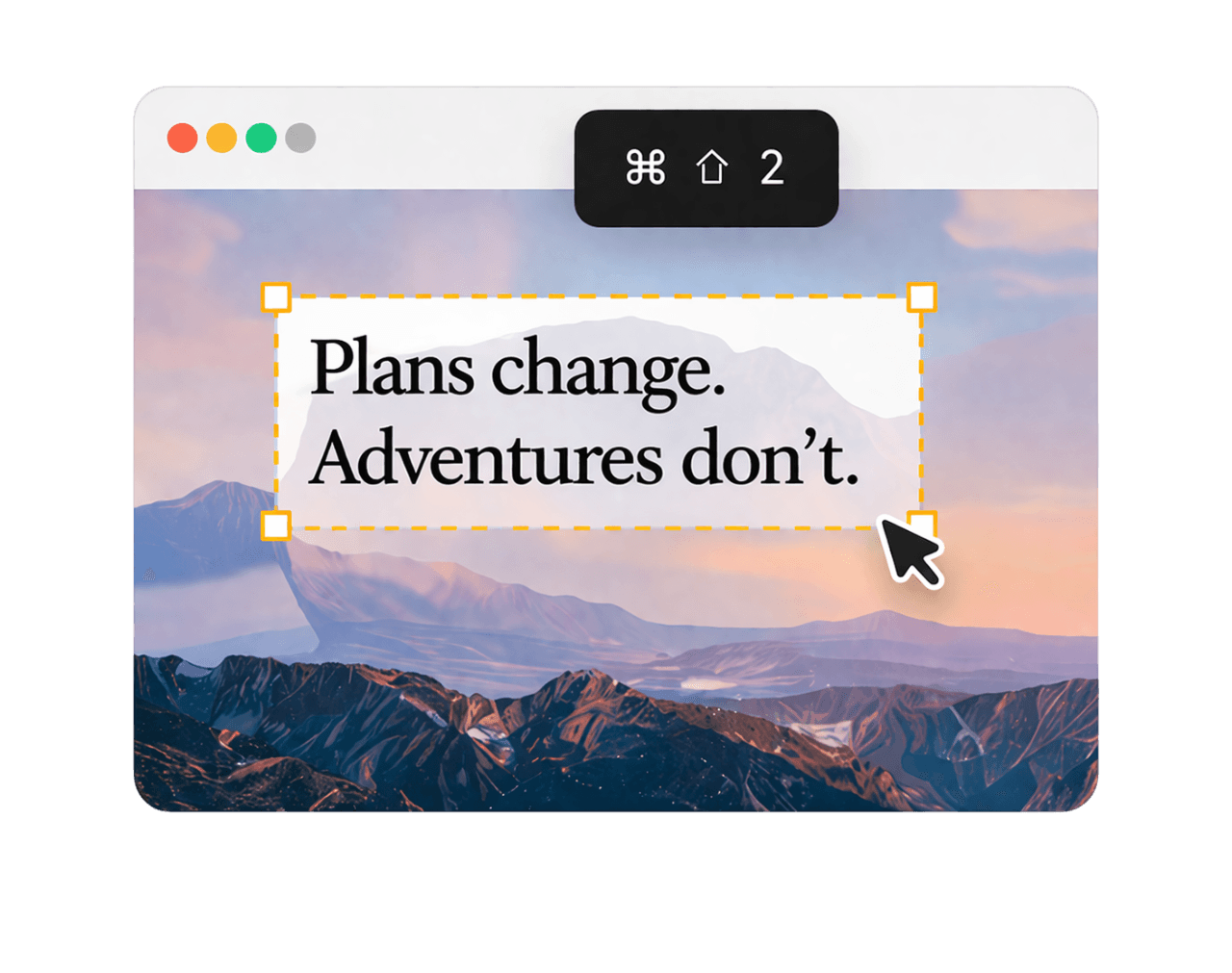
PeekText instantly reads text from videos, PDFs, and images. Ready for you to paste and move on.
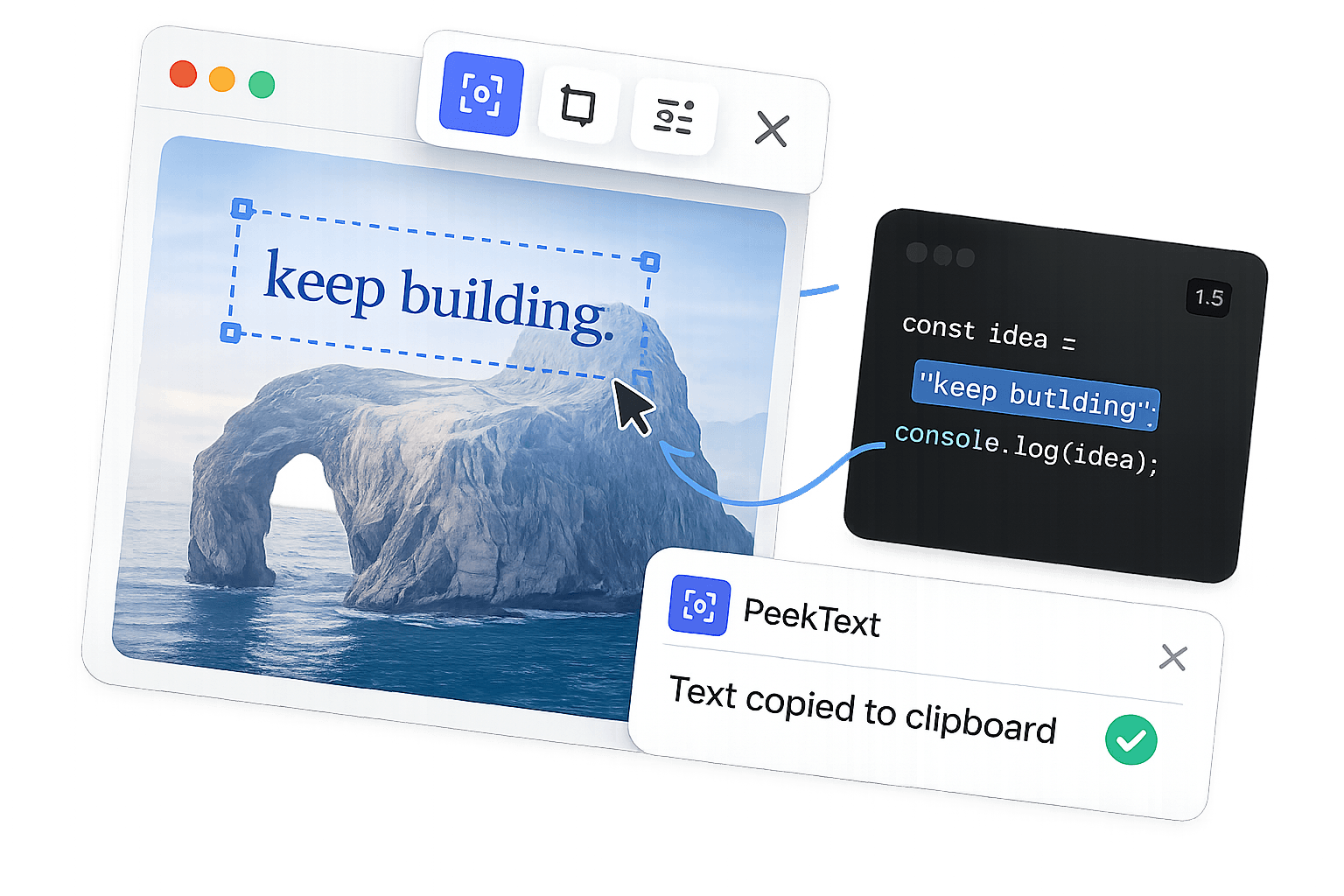
How it works
Grab text from anywhere on your screen in three quick steps. Then paste and move on.
Press ⌘ ⇧ 2 then drag over any text on your screen.
PeekText instantly reads it for you. No waiting.
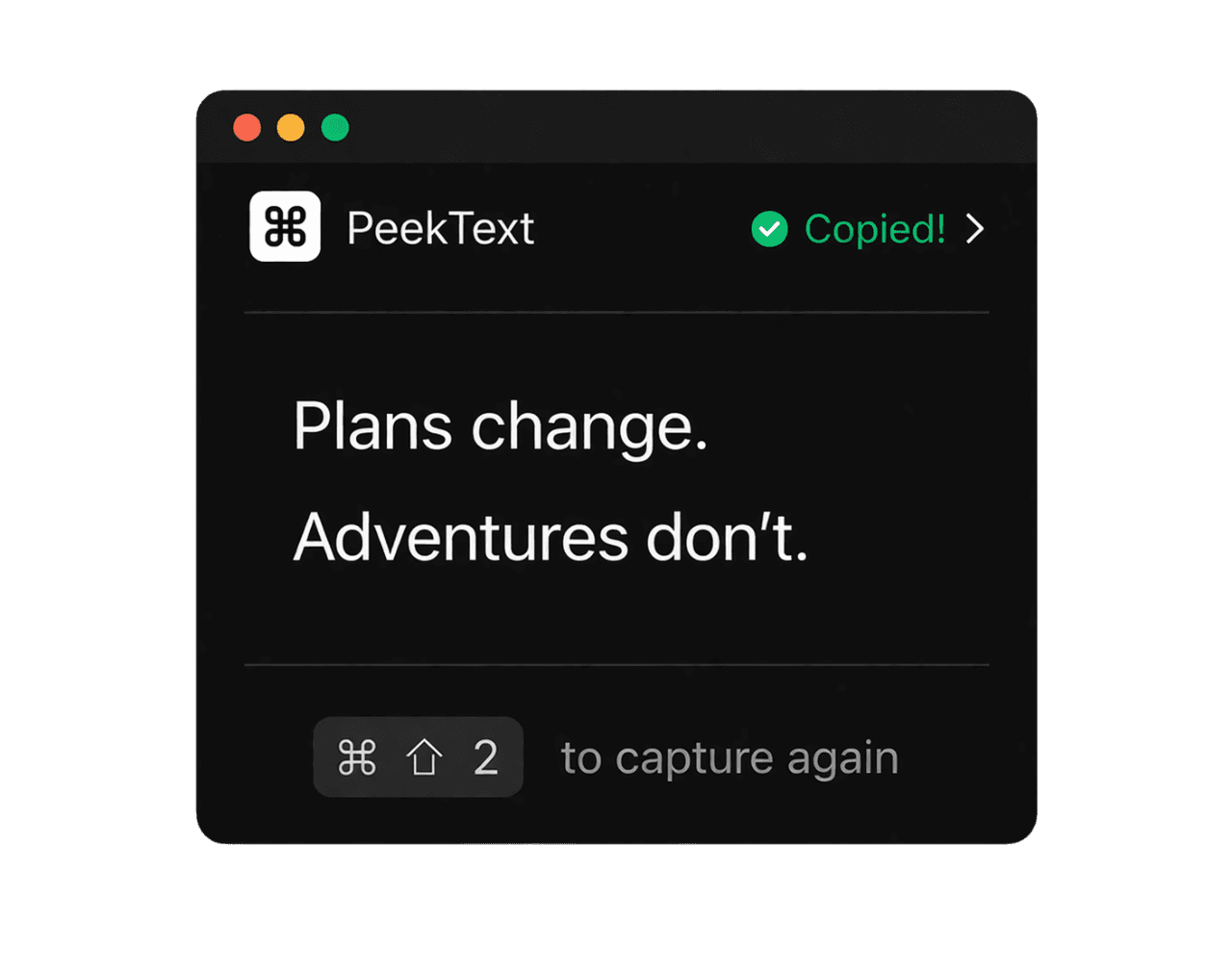
The text is copied. Use it anywhere.
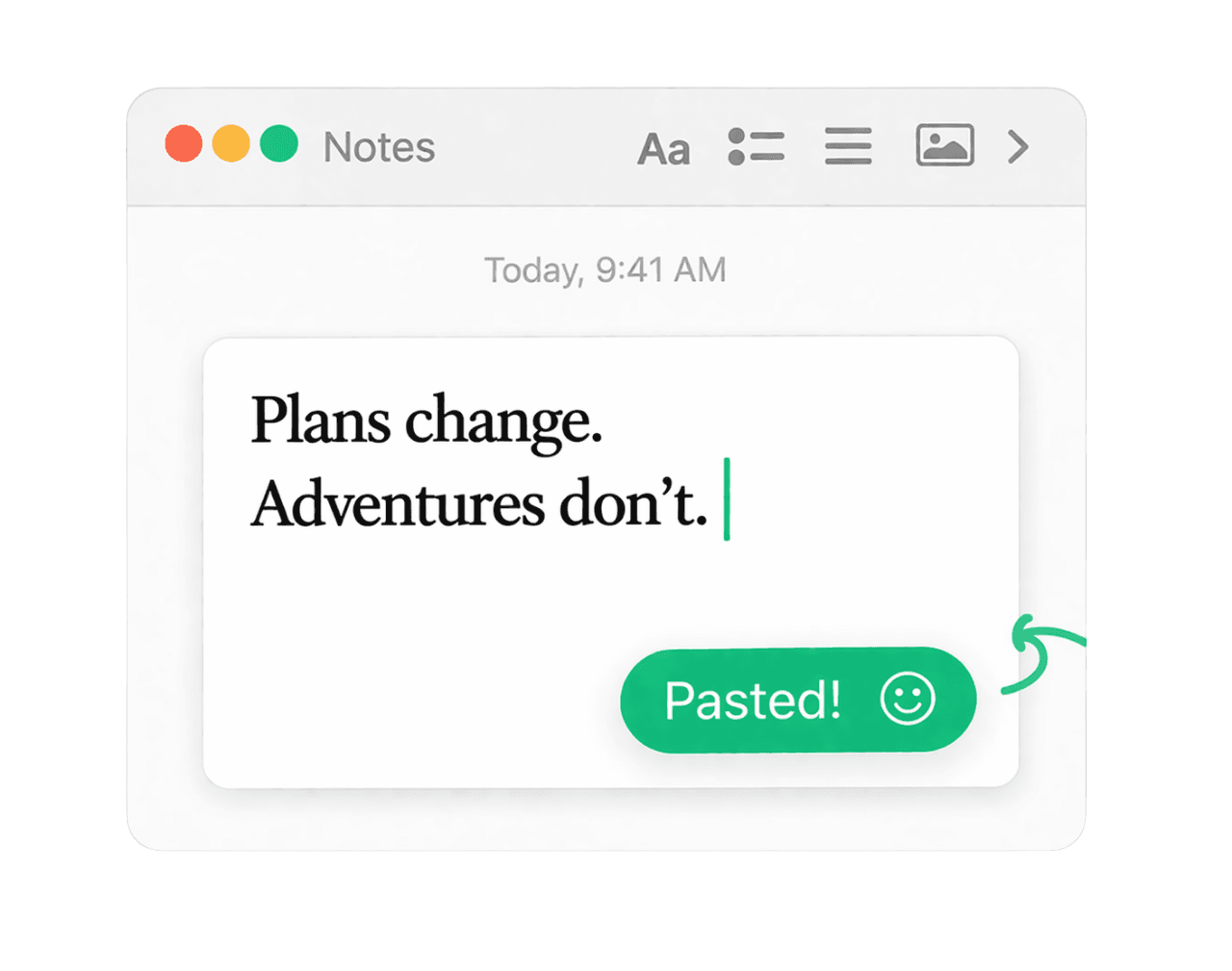
Works everywhere
No upload. No delay. Everything happens locally on your Mac.
Built for real workflows
Works across screenshots, PDFs, videos, scans, and anything else on your screen.
PeekText is not just about capturing text. It is built to help you keep moving after the capture.
Review, edit, clean up, and reuse every capture in one place.
Undo, redo, copy, export, recent history
Capture text even when it is sideways or upside down.
0°, 90°, 180°, 270°
Extract links, codes, and embedded data directly from your screen.
QR codes, barcodes, URLs
Capture text across multiple writing systems, not just English.
English, Chinese, Japanese, Korean, and more
PeekText respects your time
and your data.
Just like that.
Everything stays on your Mac. No uploads. No tracking. No compromises.
Grab text in a blink. No menus. No waiting. Just select and go.
From PDFs to videos, screenshots to remote desktops. If you can see it, PeekText can read it.
No internet? No problem. PeekText is always ready. 100% offline.
Fits into your workflow
Capture text from anything on your screen, then paste it into the tools you already use.
PDFs, screenshots, videos, scans
Docs, writing, research, references
Slack, email, tasks, forms
Editors, terminals, logs, demos
PeekText grabs any text on your screen.
Instantly. Privately. Effortlessly.
Deep work is a superpower.
In a world of constant distraction,
focus is your unfair advantage.
Deep work is a superpower.
In a world of constant distraction,
focus is your unfair advantage.
Clear answers to the most important questions before you download PeekText.
PeekText is a macOS OCR app that lets you capture text from anything visible on your screen and copy it instantly. It is built for fast, native text capture without the friction of manual retyping.
Launch PeekText with the shortcut, drag over the text you want, and the extracted text is copied so you can paste it anywhere. The workflow is designed to be quick, simple, and native to macOS.
PeekText can extract text from screenshots, images, PDFs, videos, presentations, web pages, scanned documents, remote desktops, and other visible on-screen content.
Yes. PeekText runs locally on your Mac, so you can extract text without needing an internet connection.
PeekText is built for privacy. Your captured text and on-screen selections stay on your device, and PeekText does not rely on cloud OCR for normal use.
PeekText is highly reliable for clear on-screen text. Accuracy depends on factors such as font size, image quality, contrast, blur, and how distorted the text appears.
Yes. PeekText supports OCR for multiple languages, making it useful for multilingual documents, screenshots, and other visual content.
Yes. PeekText is designed to handle text at different angles and can often read text that would be tedious to capture manually, though results still depend on clarity and image quality.
PeekText supports macOS 12 Monterey or later and is built to feel fast, lightweight, and native on modern Macs.
PeekText may request the macOS permissions needed to trigger capture workflows smoothly and work properly across your screen. These permissions support the app's core functionality on Mac.
PeekText is built as a fast, privacy-focused macOS OCR tool for capturing text from real on-screen workflows like PDFs, videos, scans, screenshots, and more. It focuses on a clean native experience and local-first text capture.
Apple Live Text is useful in limited contexts, but PeekText is built as a dedicated capture workflow for quickly extracting text from a wider range of on-screen content with a shortcut-driven experience.