
Video OCR Guide
How to copy text from a video on Mac
Videos are full of text you can read but cannot use. PeekText lets you extract subtitles, slide text, commands, and on-screen labels from any video on your Mac without retyping.
Published April 12, 2026
The problem
Video is one of the hardest places to recover text from
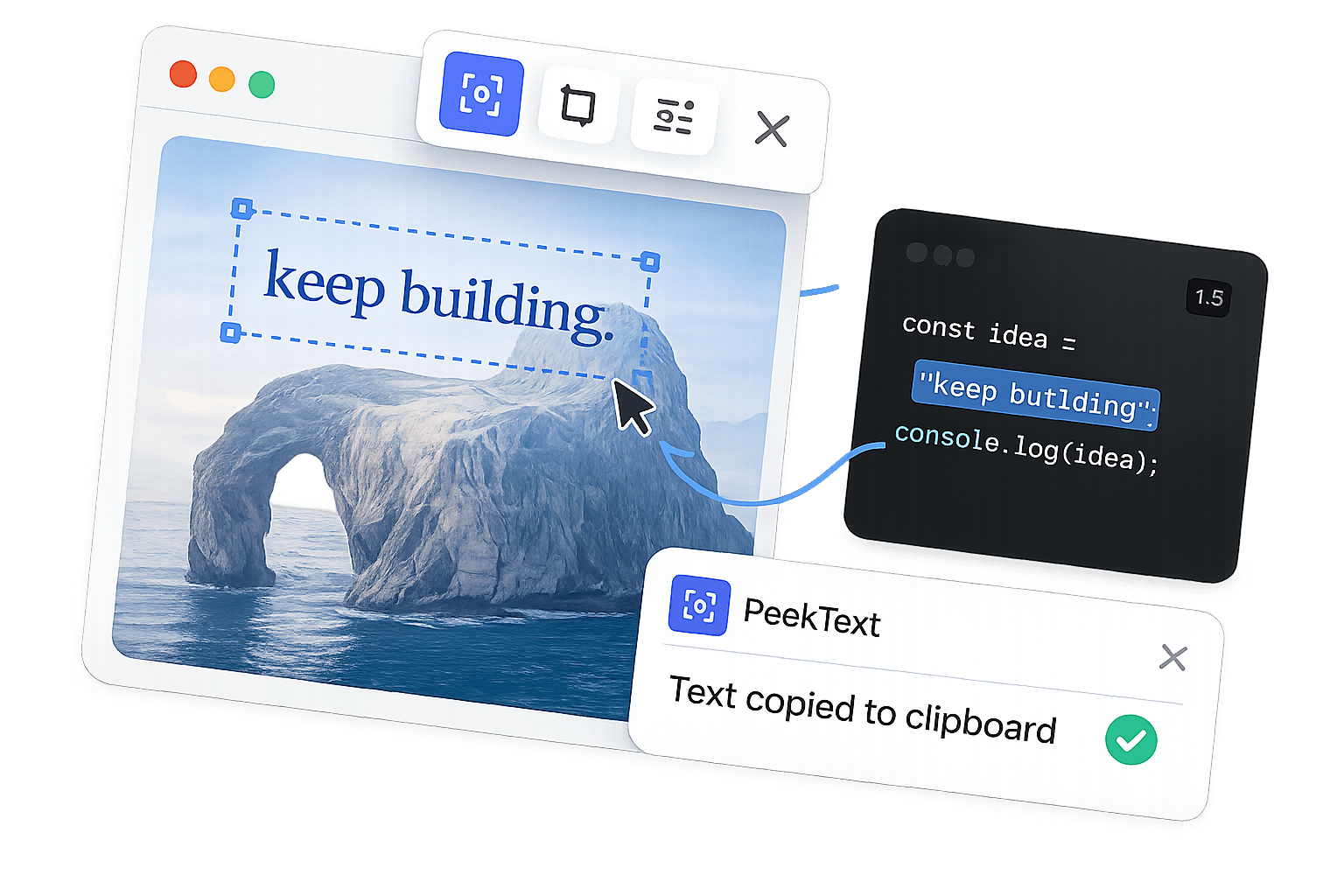
Text inside video behaves differently from text almost anywhere else. You can see it, but you cannot select it. Subtitles, captions, slide text, interface labels, and commands appear for a moment, then disappear.
That creates constant friction. You pause the video, type everything manually, and hope you did not miss a character. For technical content, names, or foreign language subtitles, that gets old fast.
PeekText fixes the gap by reading the text directly from the visible frame on your screen. Pause, select, extract, and move on.
What you can capture
The video text that usually slows everything down
PeekText works across video players and streaming apps because it reads your screen, not the file itself. These are some of the most common cases.
Subtitles and captions
Extract burned-in subtitles, captions, and translated text directly from paused video frames.
Slides inside recorded talks
Pull out quotes, references, bullet points, and presentation text from webinars, lectures, and demos.
Commands and code on screen
Recover terminal commands, code snippets, and configuration lines shown in tutorial videos.
Names, labels, and lower thirds
Capture names, titles, and UI labels that appear briefly and disappear before you can type them out.
The workflow
A cleaner way to pull text from video
Pause on the frame you need
A still frame gives the cleanest result and prevents motion blur from hurting recognition accuracy.
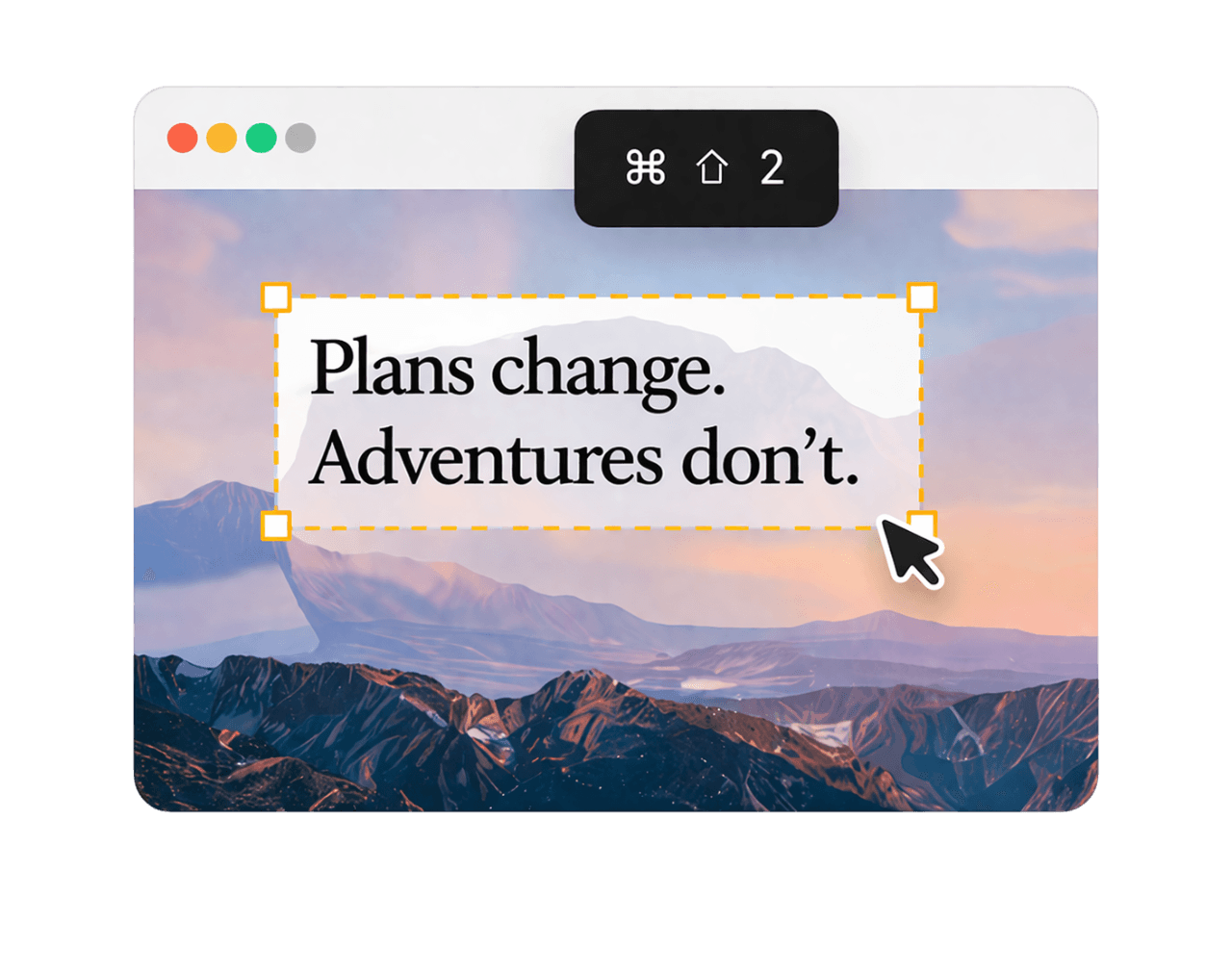
Trigger PeekText
Press Cmd + Shift + 2 to enter capture mode and drag over the exact text region you want.
Paste it anywhere
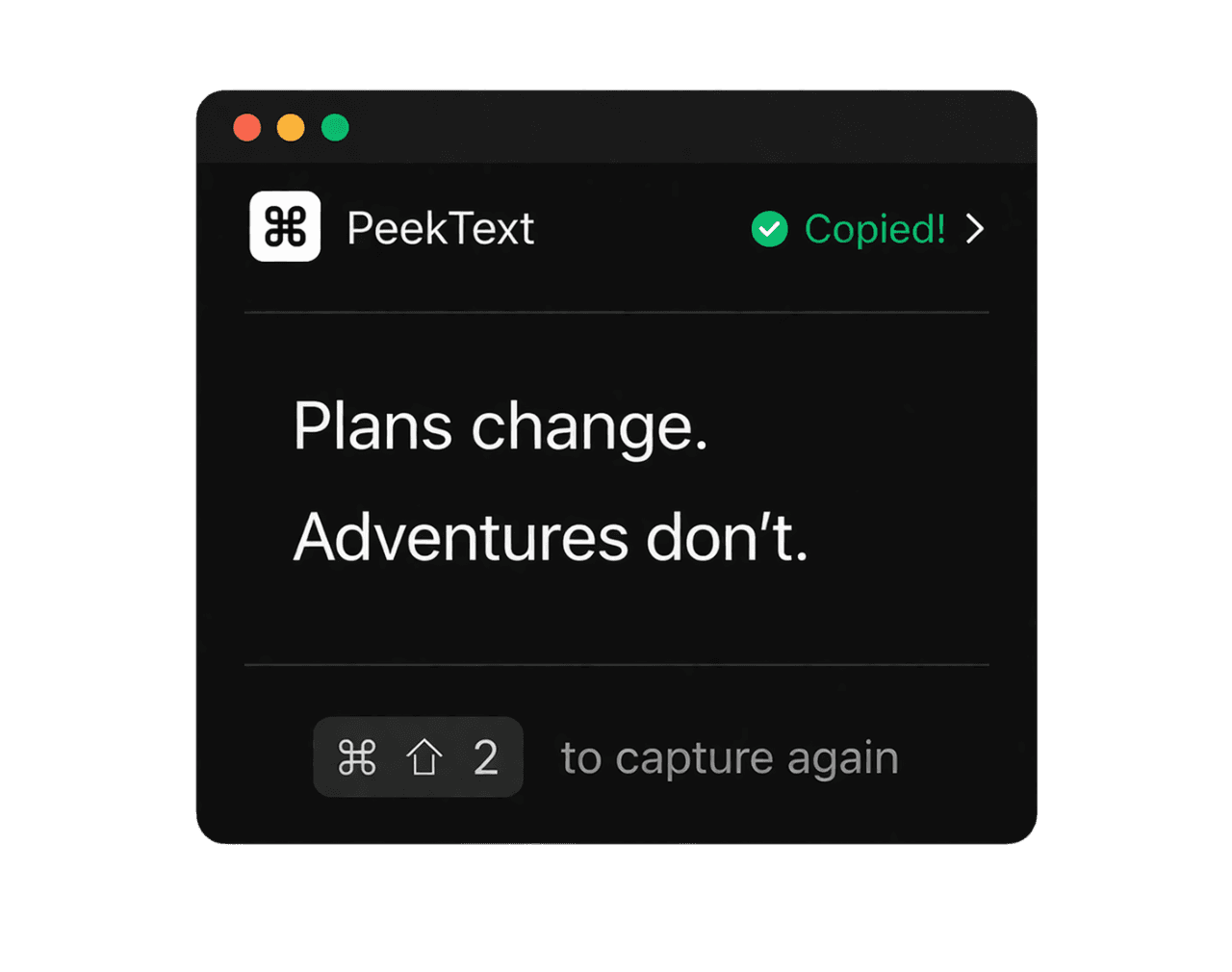
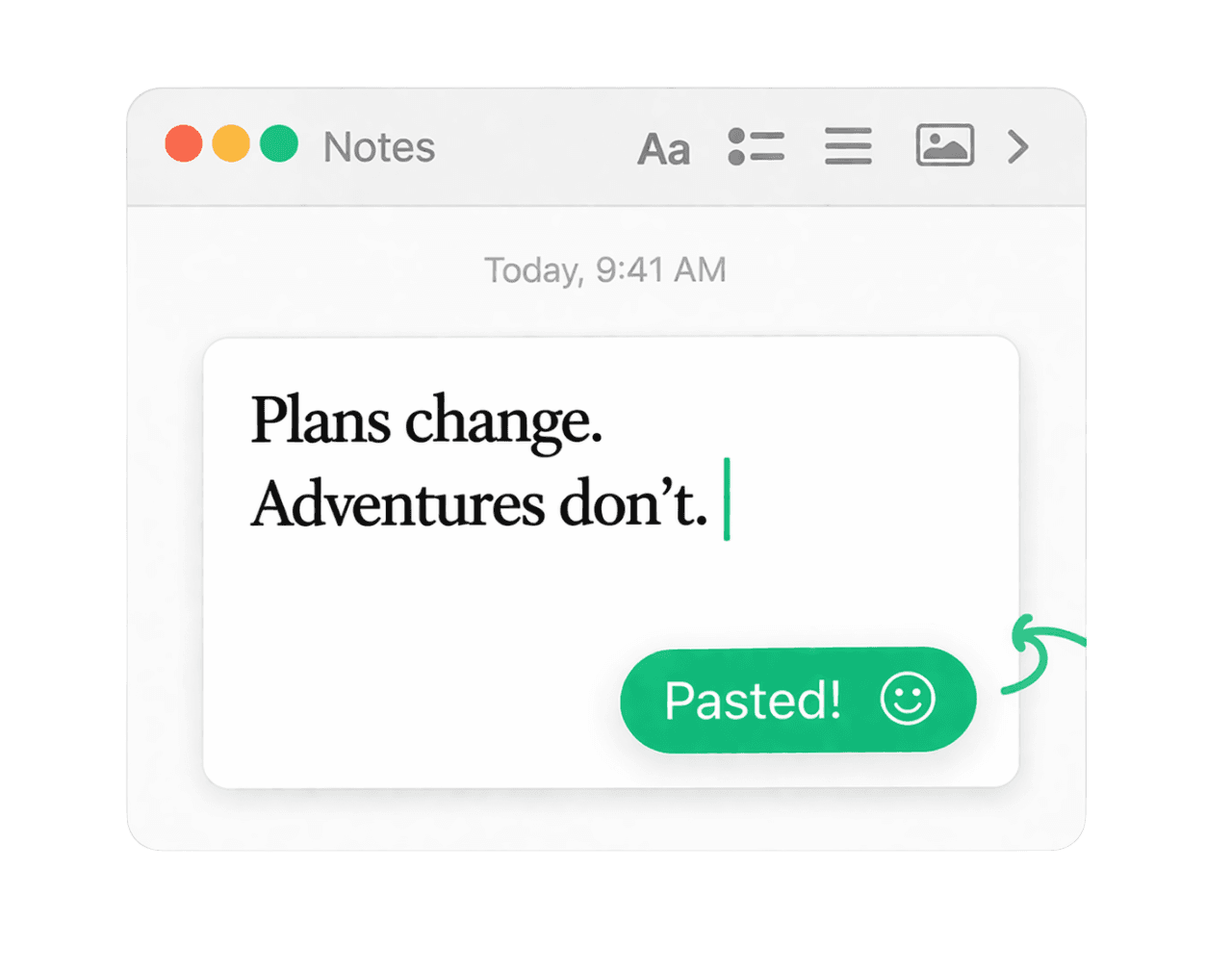
The extracted text lands on your clipboard immediately so you can drop it into notes, docs, messages, or your editor.
Why it works well
Video becomes easier when the text stops being trapped
Video combines motion, compression, overlays, and timing. That makes it one of the worst places for manual text capture. Even simple tasks become awkward because the content is gone the moment playback continues.
PeekText removes the dependence on transcripts, subtitle tracks, or app-specific tools. If the text appears on screen, it can be extracted. That makes the workflow more direct and more reliable.
It also keeps the process on your Mac, which matters when you are working with private recordings, internal demos, or anything you would rather not send to a cloud service.
Accuracy
Small adjustments that improve results
Pause before capturing. Motion blur is the fastest way to ruin OCR quality.
Go fullscreen when subtitles or labels are too small.
Select only the text region instead of the whole frame.
Use the highest playback resolution available for cleaner characters.
Check commands, URLs, and names once before reusing them.
Why it matters
Text inside video should not be dead content
A surprising amount of useful text shows up in video: subtitles, quotes, names, slides, commands, menus, and labels. Most of it is readable but not reusable.
That slows down research, note taking, translation, technical learning, and everyday work. Small interruptions pile up.
PeekText removes that friction with the shortest possible path. Pause the frame, select the text, extract it, and continue.
Stop pausing and retyping
Extract any text from any video on your Mac.
PeekText works entirely offline. No uploads, no subscriptions, no account required. Install once and use it every day.