
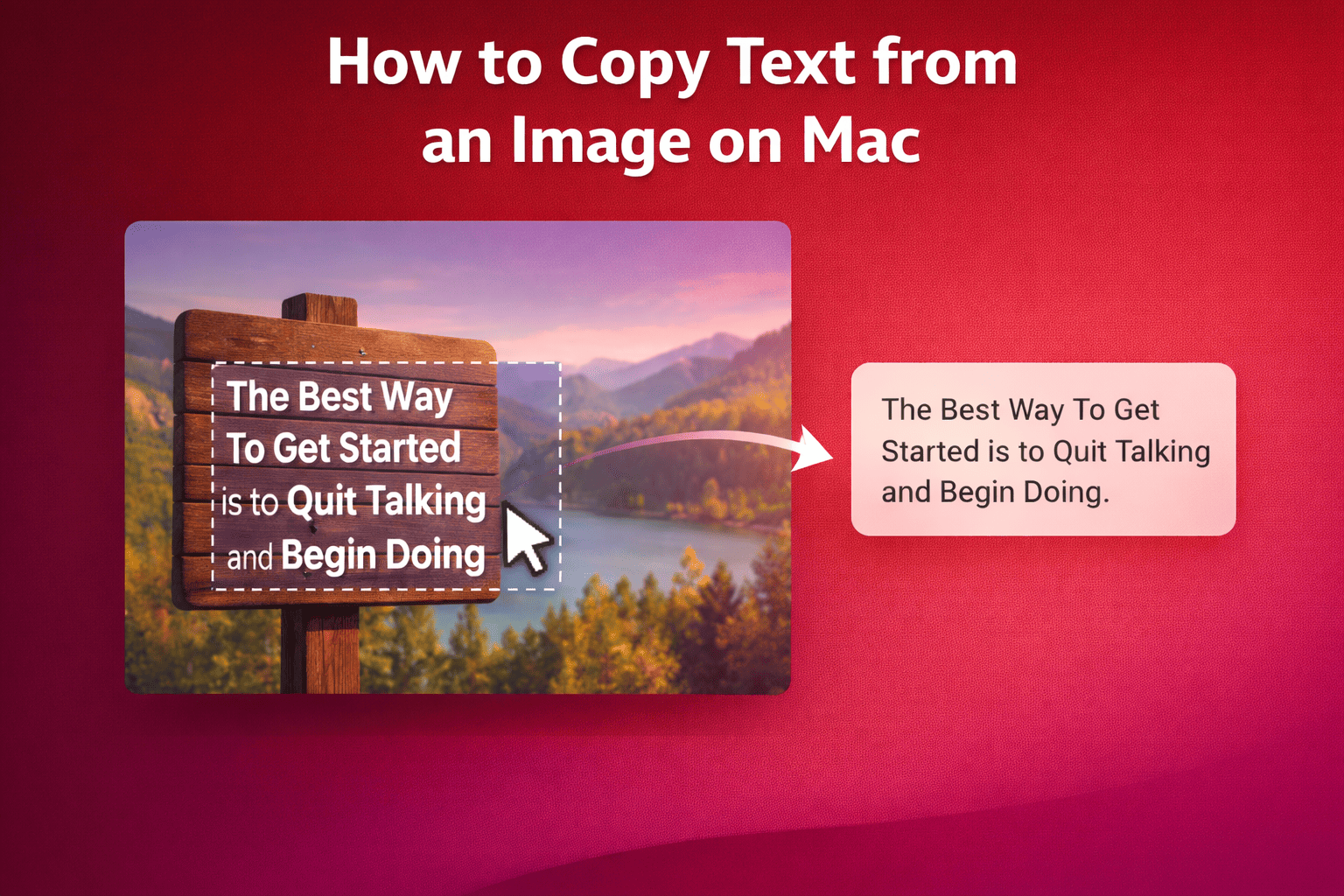
How to Copy Text from an Image on Mac
Learn how to extract and copy text from images on your Mac with PeekText. Capture text from screenshots, photos, PDFs, and more without retyping.
Guides to copy text from anywhere on your Mac.
Learn how to extract and copy text from images on your Mac with PeekText. Capture text from screenshots, photos, PDFs, and more without retyping.
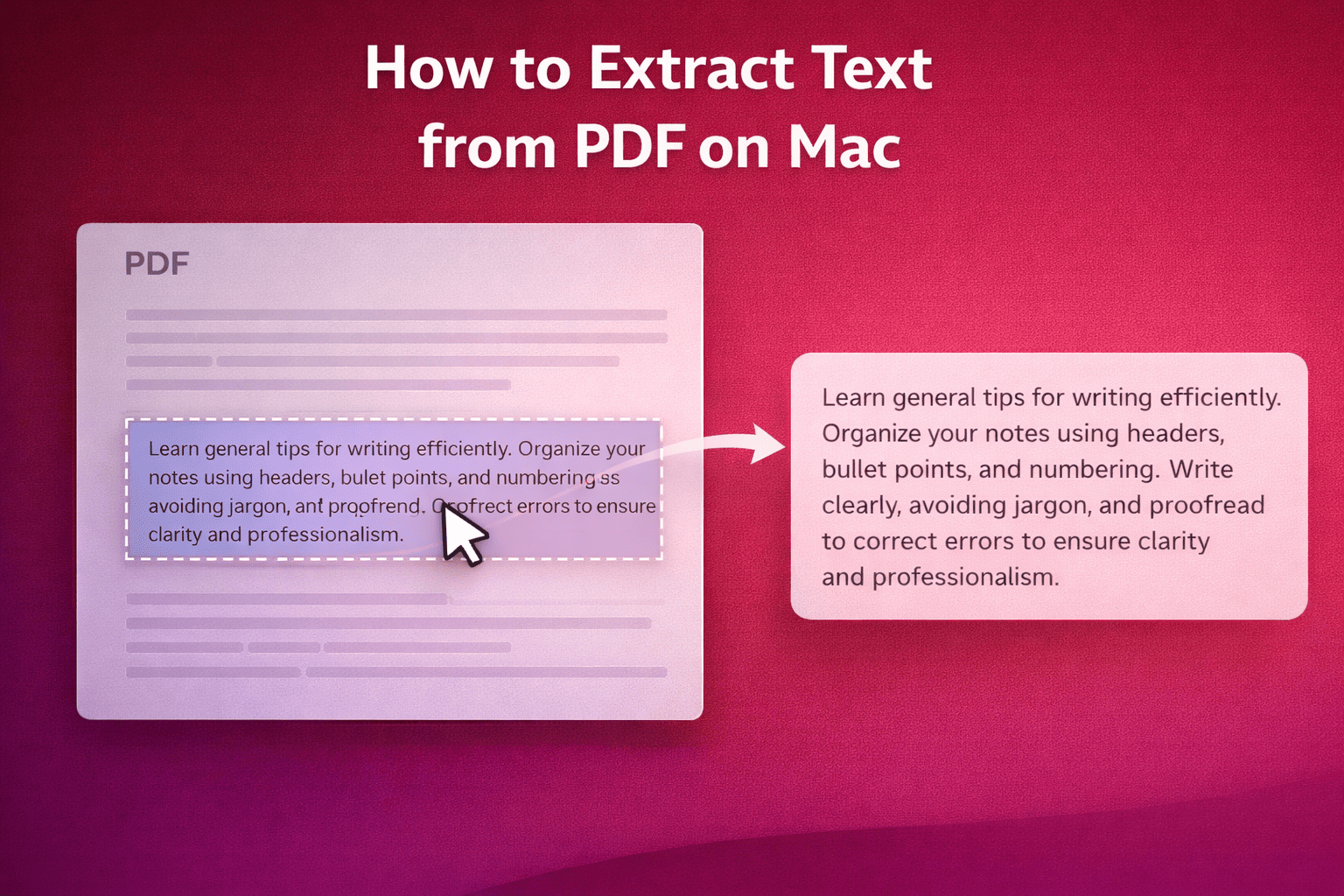
Learn how to extract text from PDF on Mac using PeekText. Copy text from scanned PDFs, image-based documents, tables, and locked pages without retyping.
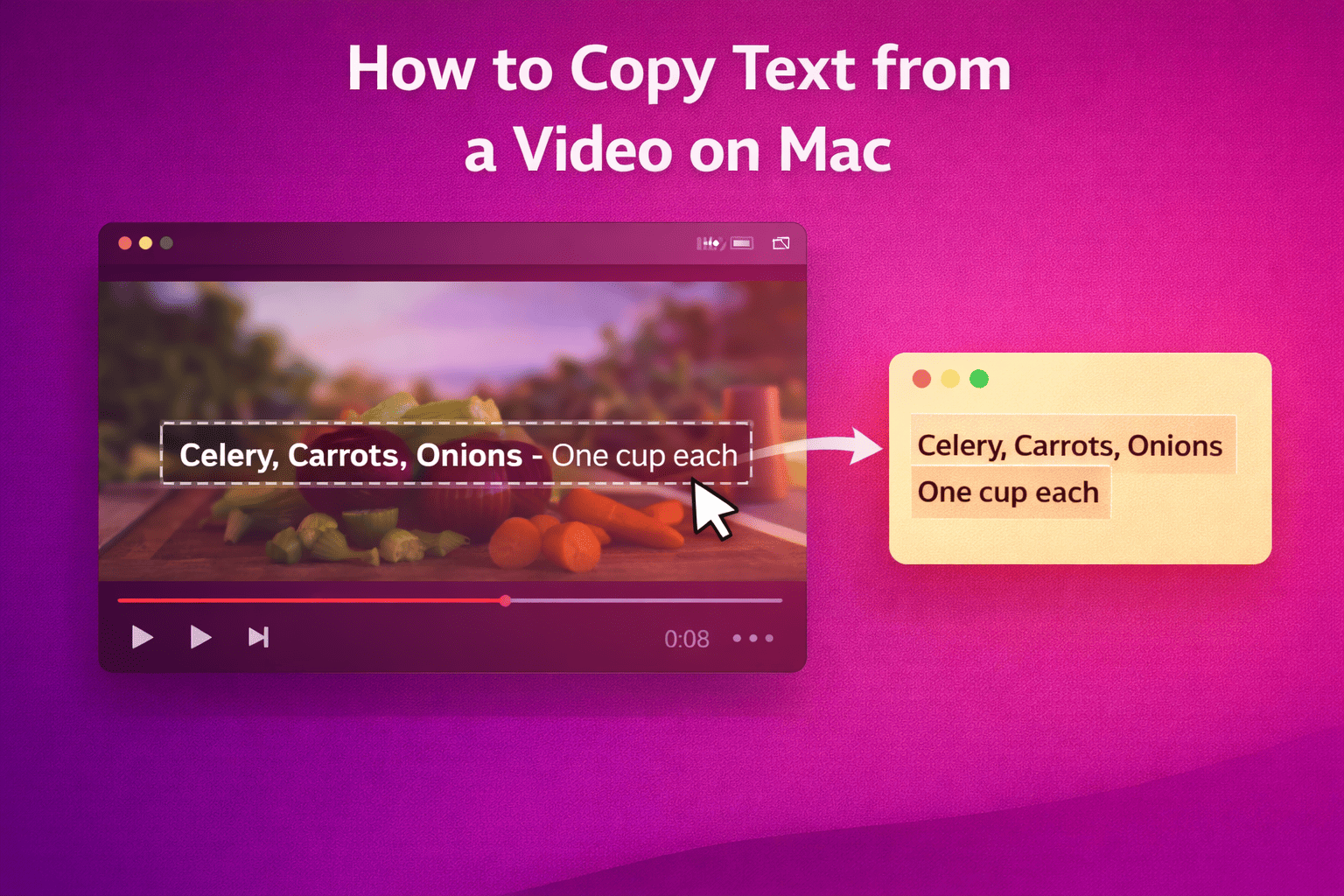
Learn how to copy text from a video on Mac using PeekText. Extract subtitles, captions, slide text, and on-screen content without retyping.
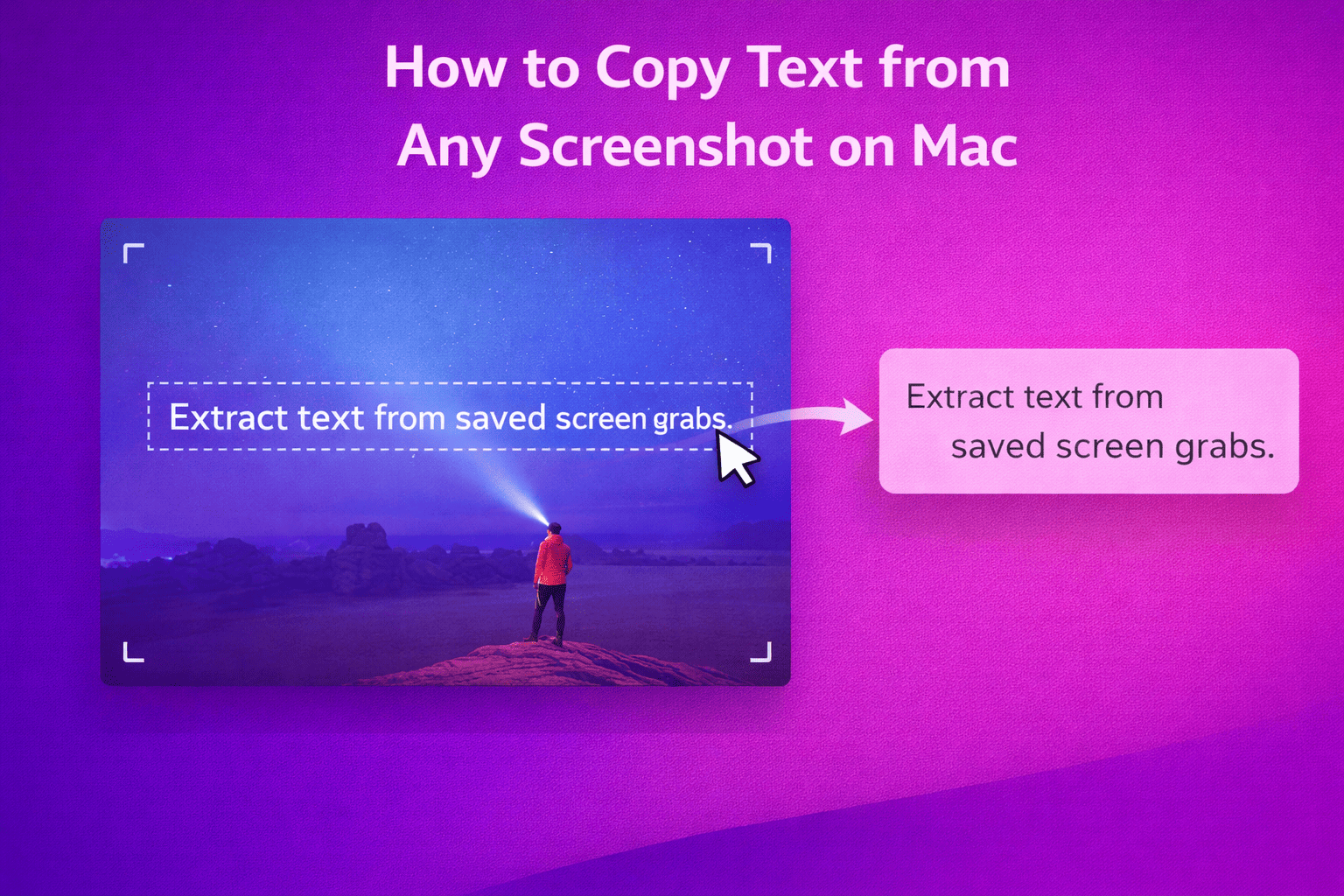
Learn how to extract text from screenshots on your Mac instantly with PeekText. Copy text from PNGs, annotated captures, and saved screen grabs without retyping.
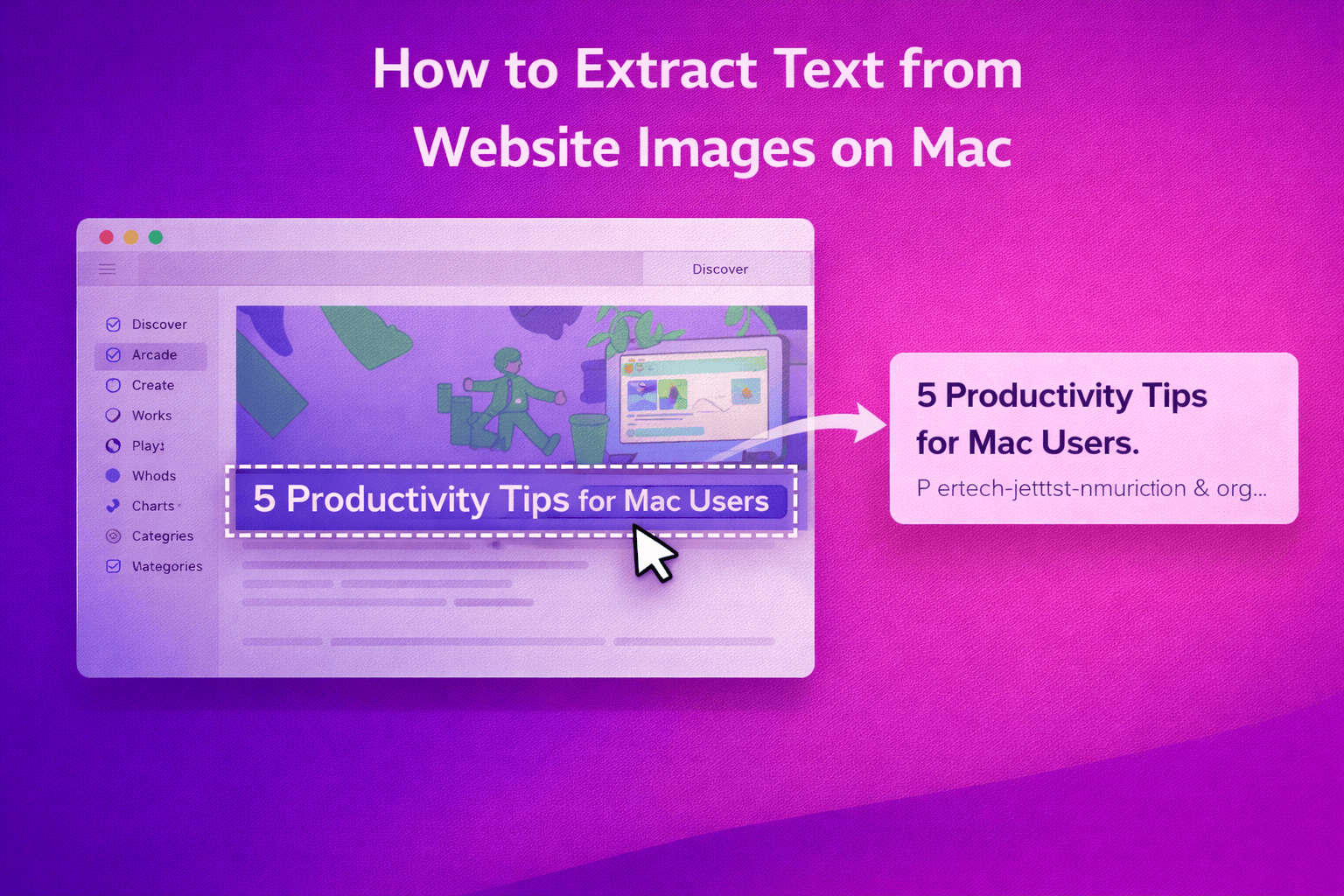
Learn how to extract text from website images on Mac using PeekText. Copy text from infographics, social posts, embedded graphics, and image-based content instantly.
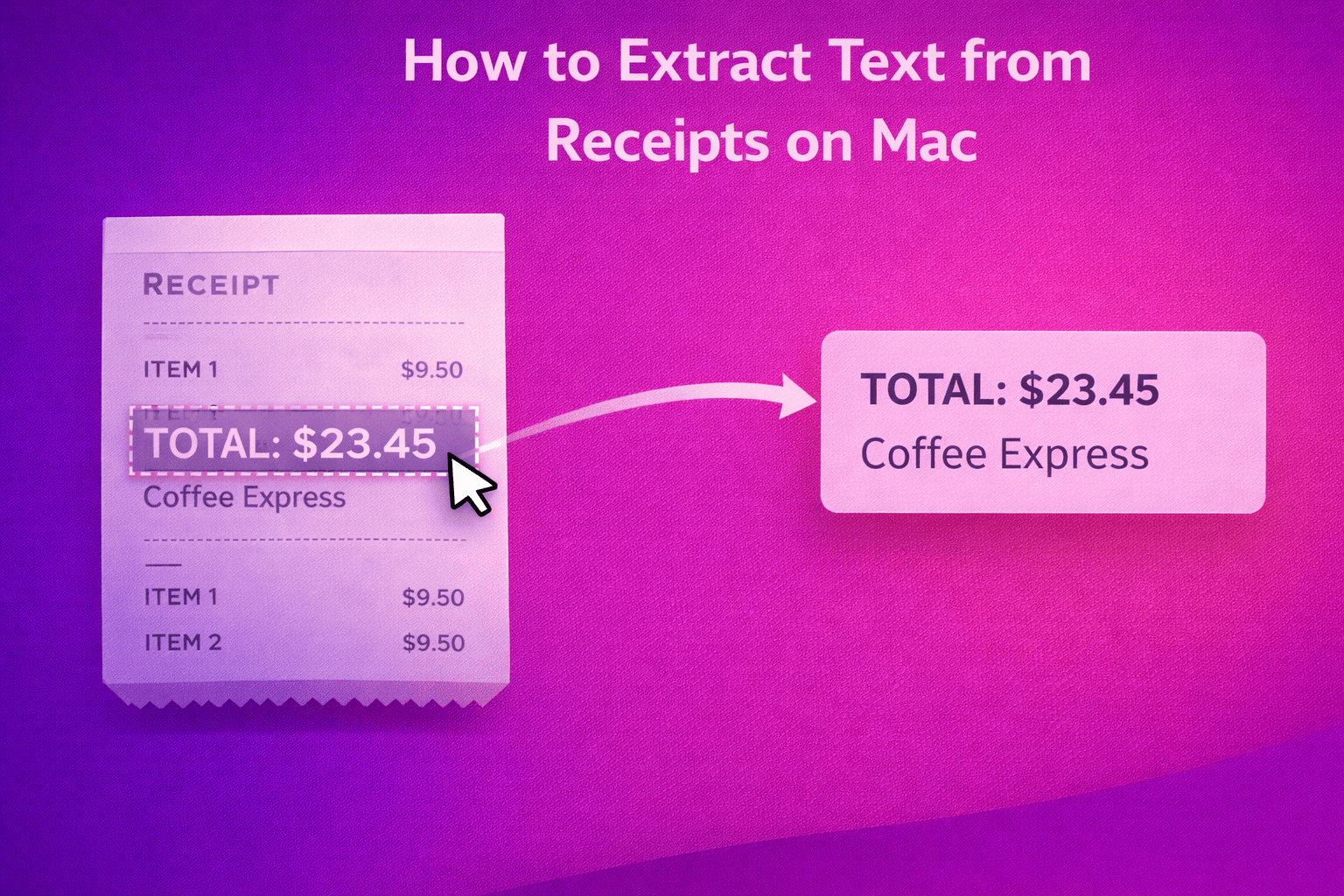
Learn how to extract text from receipts on Mac with PeekText. Copy totals, dates, item names, and merchant details from receipt images and scans instantly.
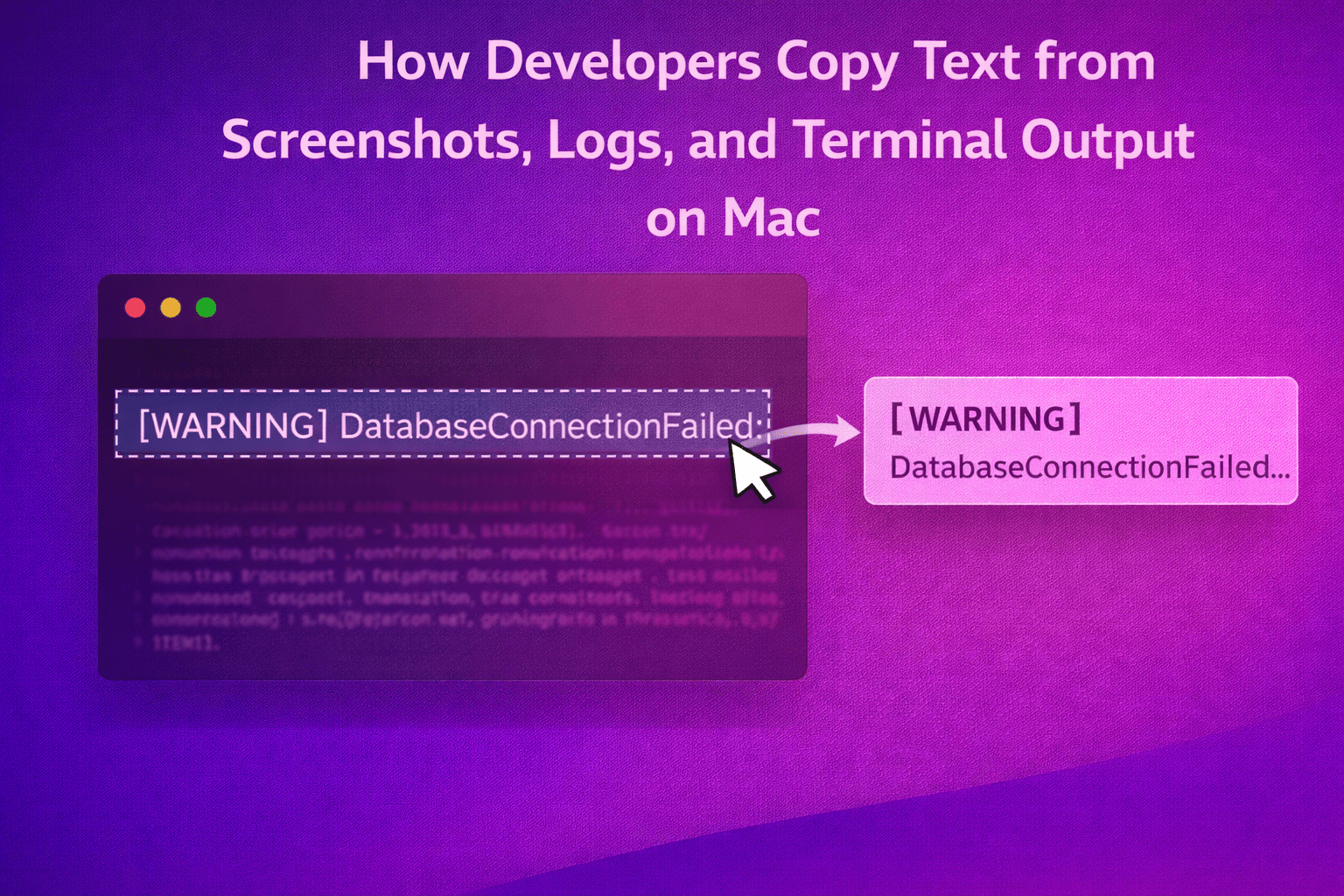
Learn how developers use PeekText on Mac to extract text from screenshots, logs, terminal output, remote sessions, and documentation without retyping.
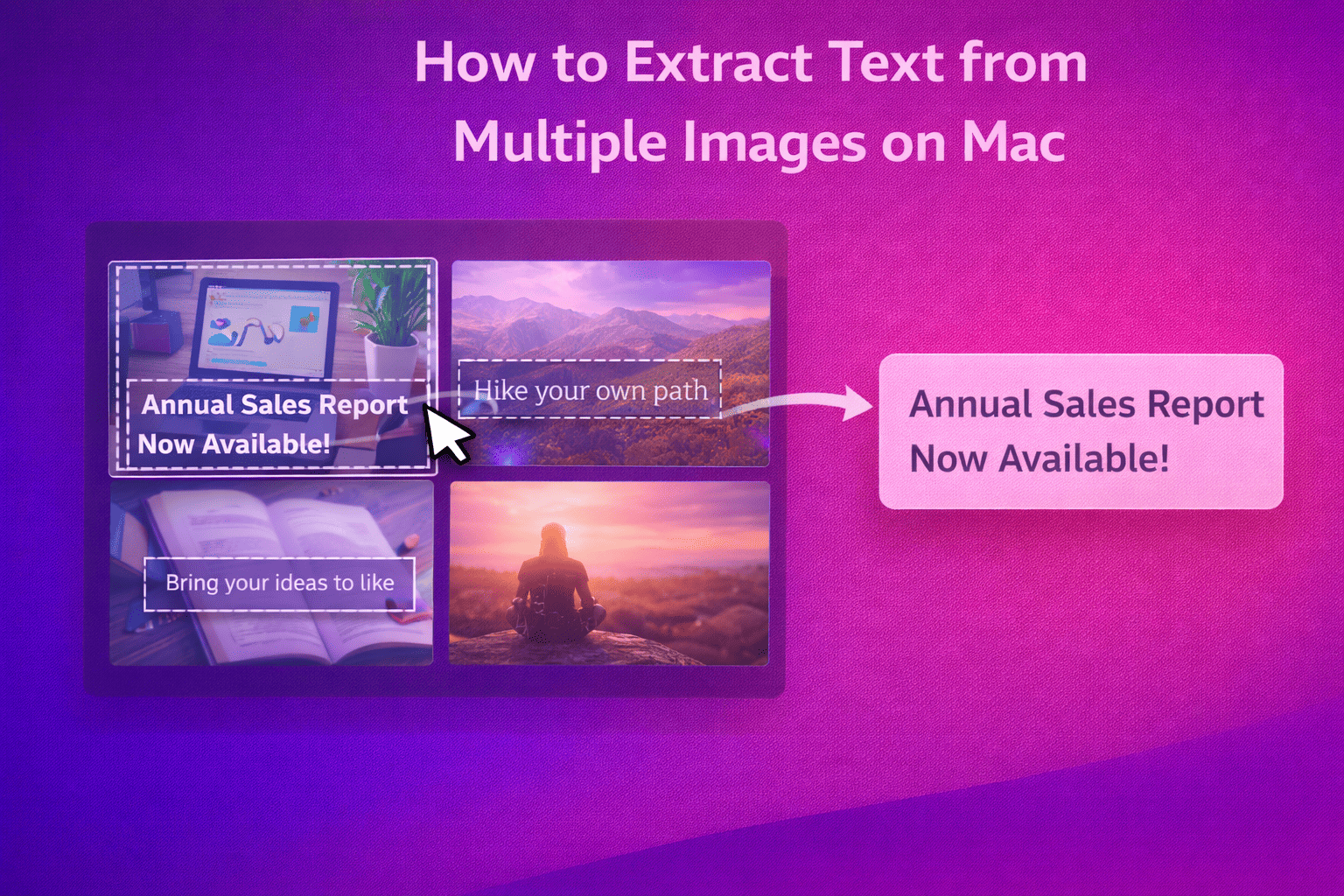
Learn how to extract text from multiple images on Mac using PeekText. Work through screenshots, scans, exports, and photo batches without retyping.
Learn why offline OCR matters on Mac. PeekText keeps text extraction fast, private, and reliable by processing everything locally on your device.