
Developer Workflow Guide
How developers copy text from screenshots, logs, and terminal output on Mac
Developers do not need OCR for everything. They need it when normal copy and paste breaks. PeekText closes that gap without sending anything off the Mac.
Published April 12, 2026
$ npm run build
Error: Invalid environment variable configuration
at /app/api/deploy/route.ts:42:17
$ extract text → paste into editor → fix faster
The real problem
The text is visible.
The workflow is still broken.
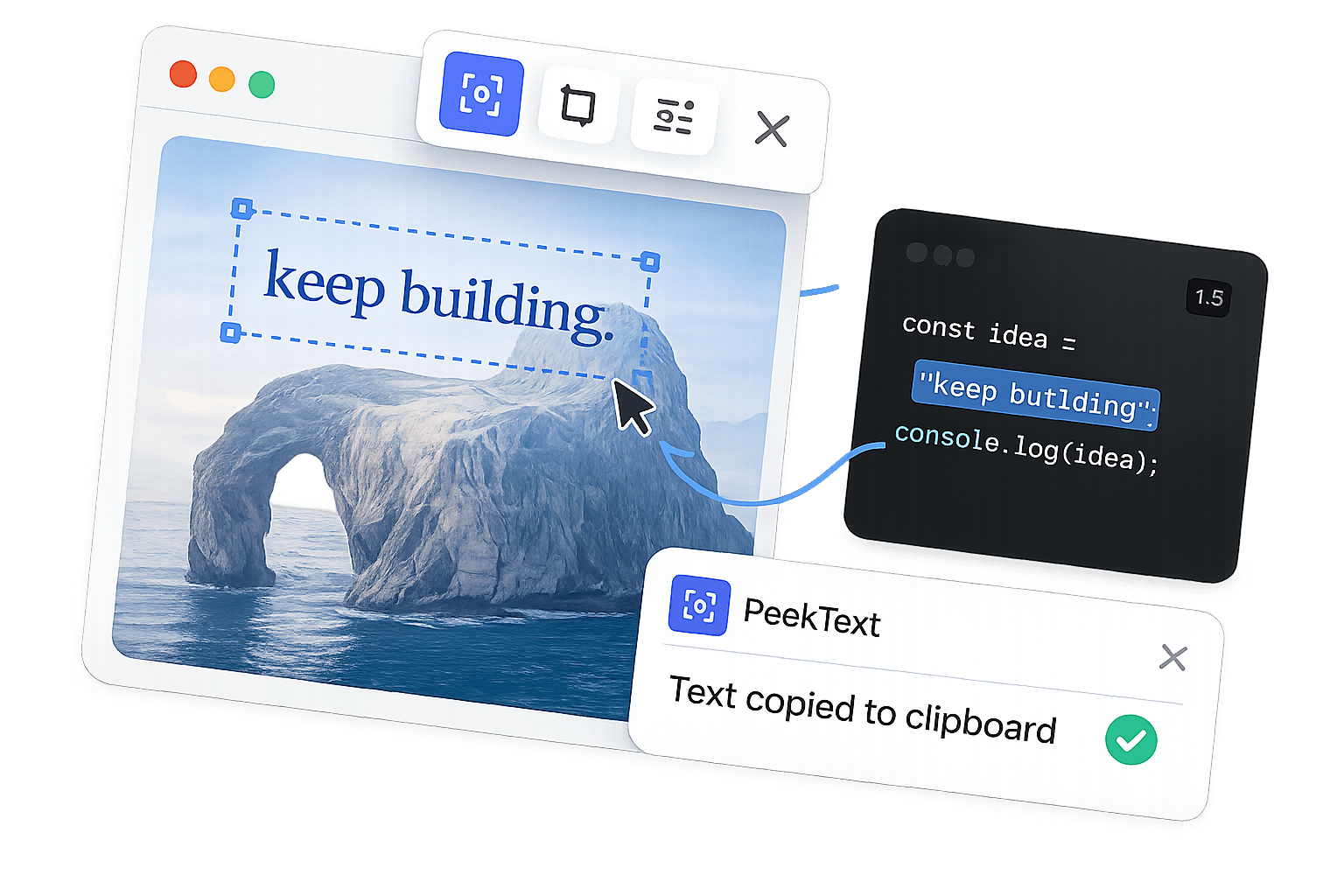
Most developer tools already support copy and paste. That is exactly why lazy articles on this topic miss the point. OCR is not for the easy cases. It is for the annoying ones.
A teammate drops a screenshot instead of raw logs. A VM refuses clean selection. A cloud console renders output in a strange pane. A video flashes a command for three seconds. A PDF spec contains a code block as an image.
That is where PeekText earns its place. It recovers the text directly from the screen and puts it back into your actual toolchain without slowing you down.
Where it helps
The moments where developers actually use it
Not every visible string is worth capturing. These are the cases where OCR saves real time because it removes friction instead of pretending to be clever.
Logs inside screenshots
Bug reports, Slack threads, and incident docs often contain screenshots instead of raw output. PeekText pulls stack traces, request IDs, and error strings back into your editor fast.
Remote sessions and virtual machines
Browser consoles, remote desktops, and VMs do not always give you reliable text selection. PeekText sidesteps that problem by reading what is visible on screen.
Code shown in videos or demos
Tutorials and internal recordings flash commands, snippets, and config lines on screen for a few seconds. PeekText lets you capture them without pausing to retype each line.
Locked documentation and image-based specs
Some internal docs arrive as scans, exports, or image-heavy pages. PeekText helps recover the useful commands, values, and notes when the source is not selectable.
The workflow
A simple recovery path for awkward text
See the text where it appears
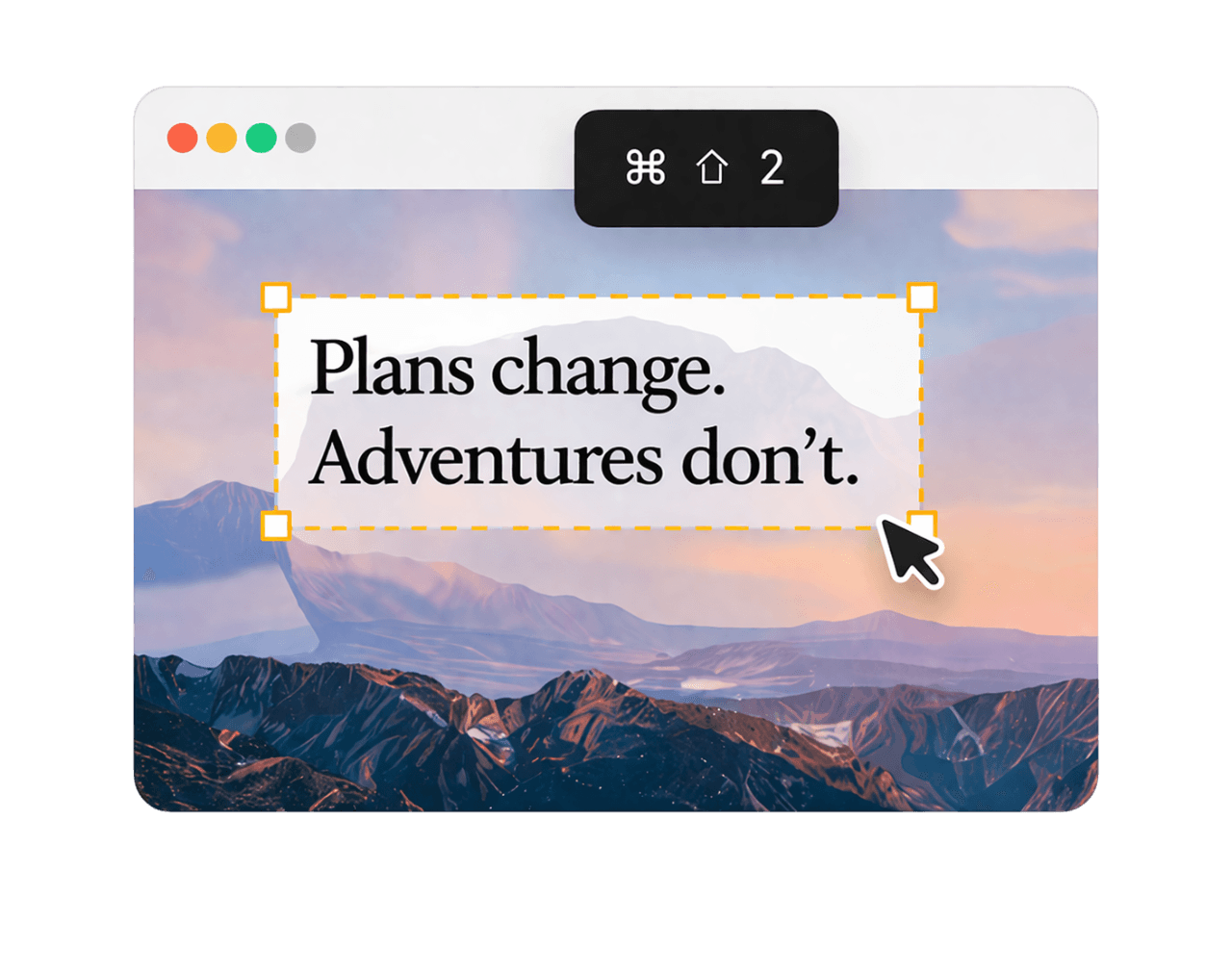
A stack trace, query, config line, or deployment message shows up in a screenshot, terminal pane, VM, or browser console.
Capture only the useful region
Press Cmd + Shift + 2 and drag over the exact area you need instead of fighting the app, viewer, or environment.
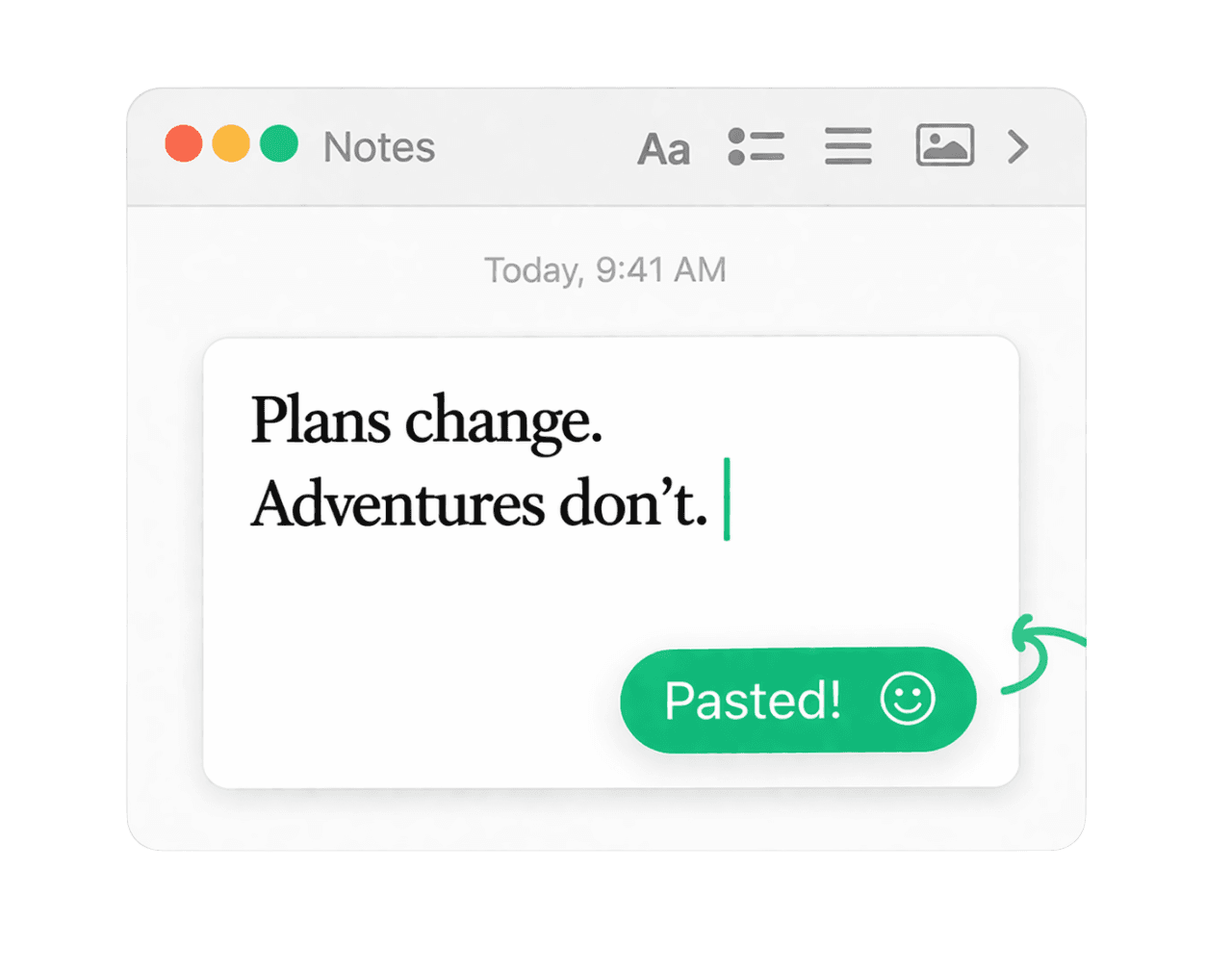
Paste it back into your real workflow
Drop the result into your IDE, terminal, issue tracker, docs, or notes and keep moving without breaking momentum.
Why offline matters
For technical work, local OCR is the only serious version
Developer workflows often involve internal dashboards, customer data, staging environments, credentials, proprietary code, and screenshots you do not want to push through somebody else's servers.
That makes offline OCR more than a convenience. It is the difference between a neat trick and a tool you can actually trust inside real work.
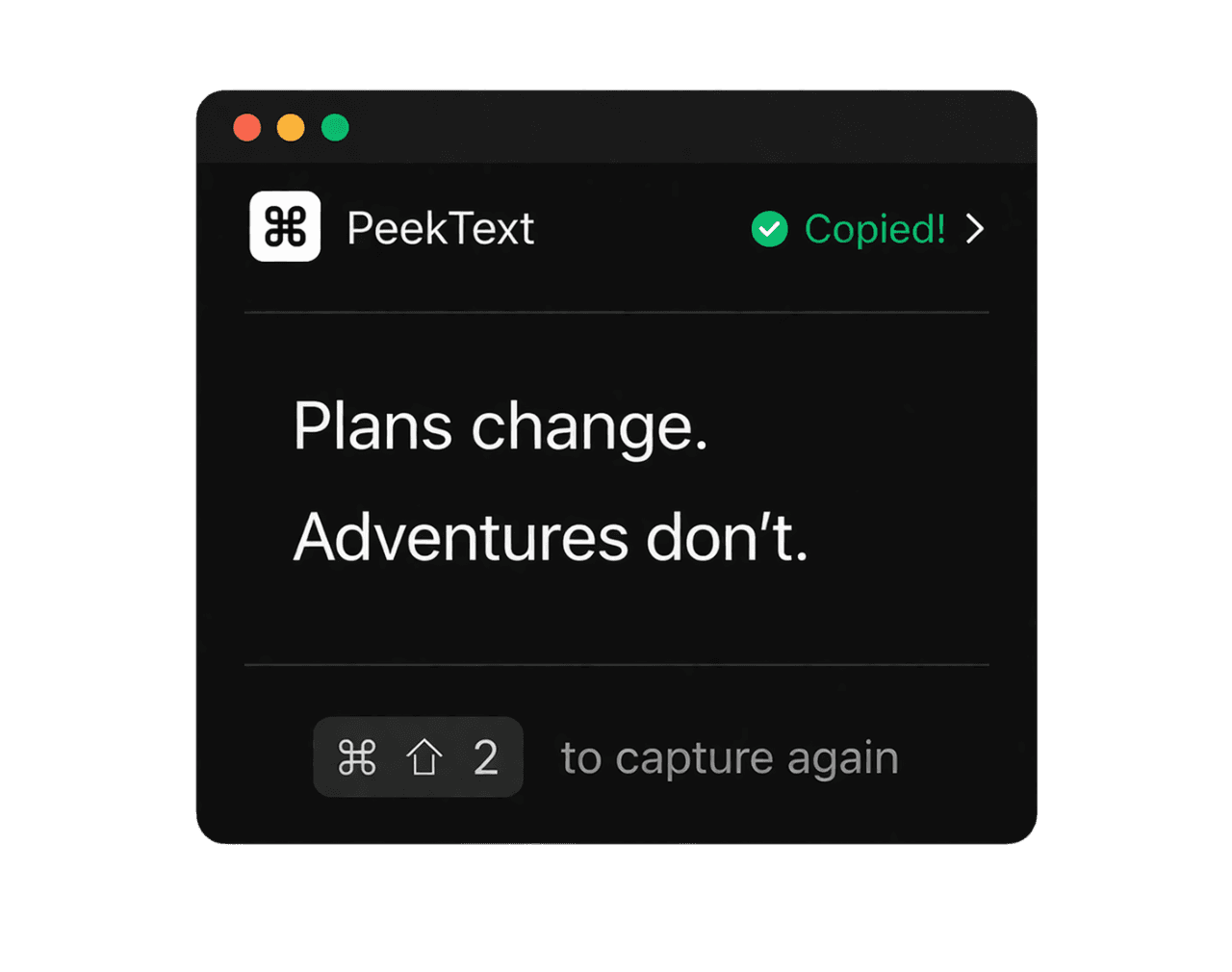
PeekText keeps the flow local, fast, and simple. No upload. No waiting. No extra service in the middle.
Accuracy
Small habits that improve technical extraction
Capture only the text region instead of the whole screen.
Zoom in before extracting tiny terminal or devtools text.
Pause moving content before capturing commands from videos or live dashboards.
Review tokens, URLs, paths, and stack traces once before using them.
Bottom line
OCR for developers matters because friction hides in small places
Developers do not need another flashy feature. They need less resistance between seeing information and using it.
Screenshots, remote sessions, video tutorials, image-based docs, and messy UI panes keep producing text that should be useful but is not. Those moments look small until they pile up.
PeekText removes that friction with the shortest possible flow. If the text is on the screen, recover it and move on.
Stop pausing and retyping
Extract any text from any video on your Mac.
PeekText works entirely offline. No uploads, no subscriptions, no account required. Install once and use it every day.