
Offline OCR Guide
Why offline OCR matters on Mac
OCR is not only about reading text from images. The real issue is where that reading happens, and whether your workflow stays fast, private, and dependable.
Published April 12, 2026
The issue
Most OCR tools solve the wrong part of the problem
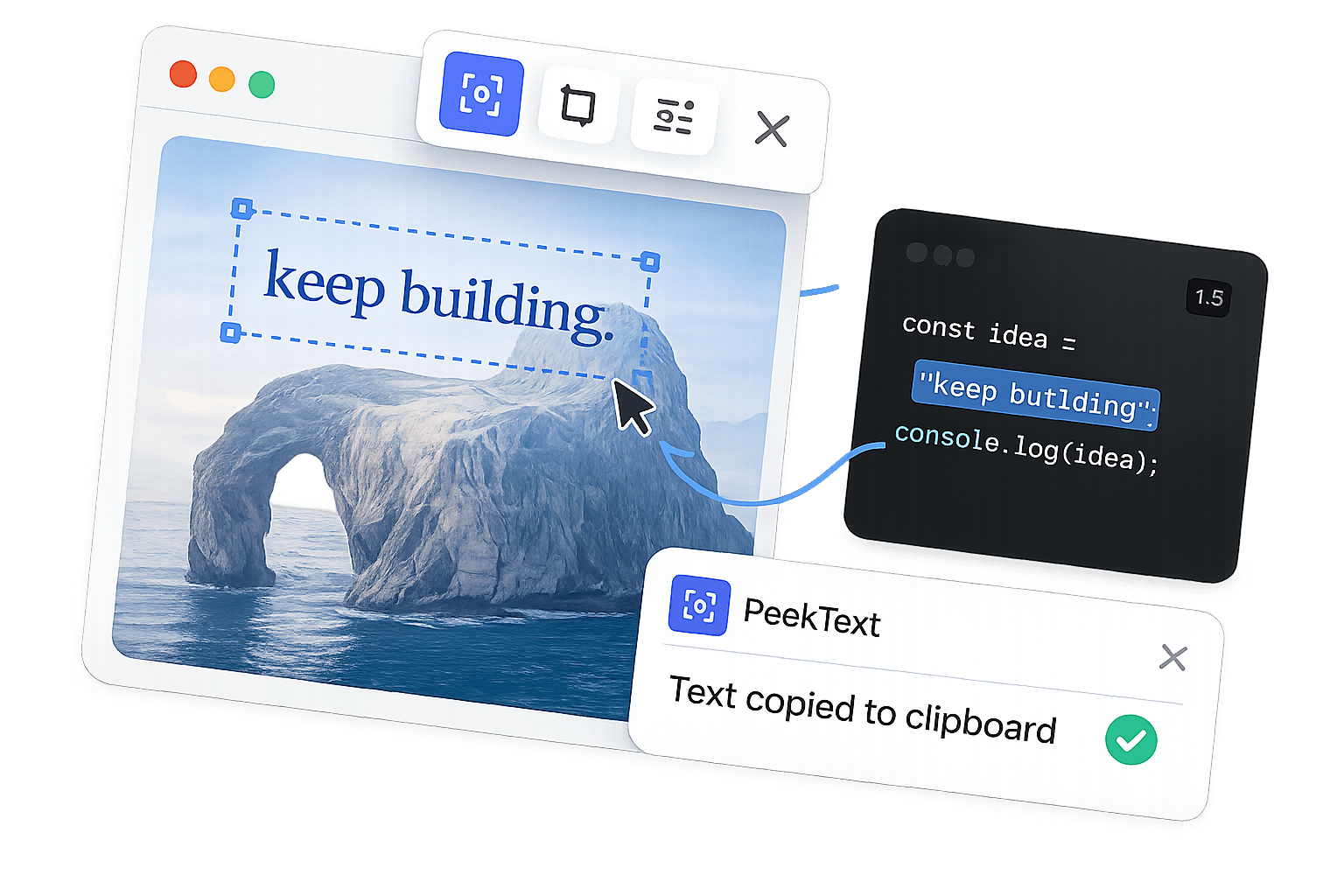
The standard OCR workflow sounds simple until you look at the tradeoff. You capture something, send it away, wait for processing, and get the result back. That design introduces delay, exposure, and extra dependency into a task that should be immediate.
Most people tolerate that because they assume OCR has to work this way. It does not. On a Mac, the better question is not whether text can be recognized. It is whether the recognition can happen locally, fast, and without handing the content off to somebody else first.
That is why offline OCR matters. It removes the extra system sitting between your capture and your clipboard.
The tradeoff
The difference is not subtle
Cloud OCR and offline OCR may look similar from the outside, but the workflow is different in the places that actually affect trust and usability.
Difference
Cloud OCR
Offline OCR
Where processing happens
On someone else's server
On your Mac
Internet required
Yes
No
Data leaves the device
Every time
Never
Speed profile
Upload, process, return
Capture, extract, paste
Failure points
Network, server, policy, latency
Your Mac only
What changes
Local OCR changes how the tool behaves in real work
Speed changes behavior
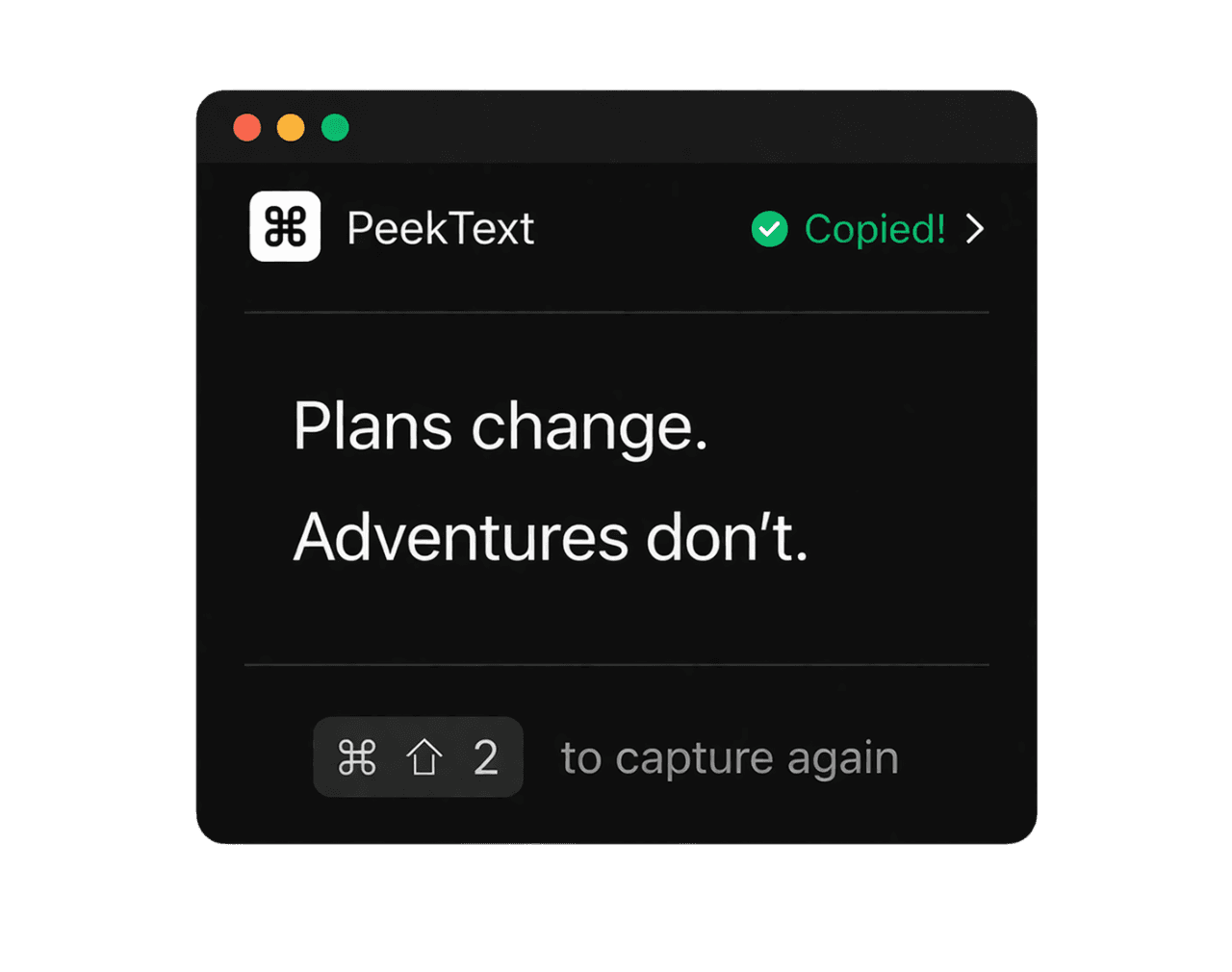
When text extraction is instant, people stop hesitating and just use it. That is what makes the capability part of daily work instead of a tool of last resort.
Privacy should not be optional
Sensitive text is often hidden in the exact screenshots and files people need to process. Local OCR avoids sending those captures anywhere else.
Reliability matters more than features
A tool that depends on network conditions or external infrastructure adds failure points to a task that should be simple.
Where it matters most
The situations where cloud dependence becomes obvious
Offline OCR matters most when the content is sensitive, the connection is weak, or the workflow needs to stay immediate.
Internal work and confidential documents
Screenshots, contracts, dashboards, reports, and private material should not need a third-party upload step just to recover a few lines of text.
Travel, flights, and unstable networks
Offline OCR keeps working when the internet is weak, blocked, expensive, or completely unavailable.
Fast everyday capture
The real value is not theoretical privacy alone. It is the fact that the result arrives immediately enough to feel built into the workflow.
Teams that care about control
Local extraction removes a whole category of risk, review, and uncertainty because the content stays on the device from start to finish.
Privacy and reliability
The less your OCR workflow depends on outside systems, the better
Private material shows up in OCR workflows all the time. Reports, contracts, financial screenshots, internal docs, customer data, and personal records often need text extraction precisely because they are stuck in image form.
The cleanest way to protect that content is not to upload it at all. Local processing removes policy questions, retention questions, and the uncertainty that comes with someone else handling the capture.
It also removes network fragility. If your Mac is on, the workflow works. That is a much better dependency model than waiting on connectivity, server availability, or third-party infrastructure.
Bottom line
Offline OCR matters because it removes the reasons people hesitate to use OCR
The biggest barrier to OCR is not whether the feature exists. It is whether the process feels slow, exposed, or unreliable enough that people avoid using it.
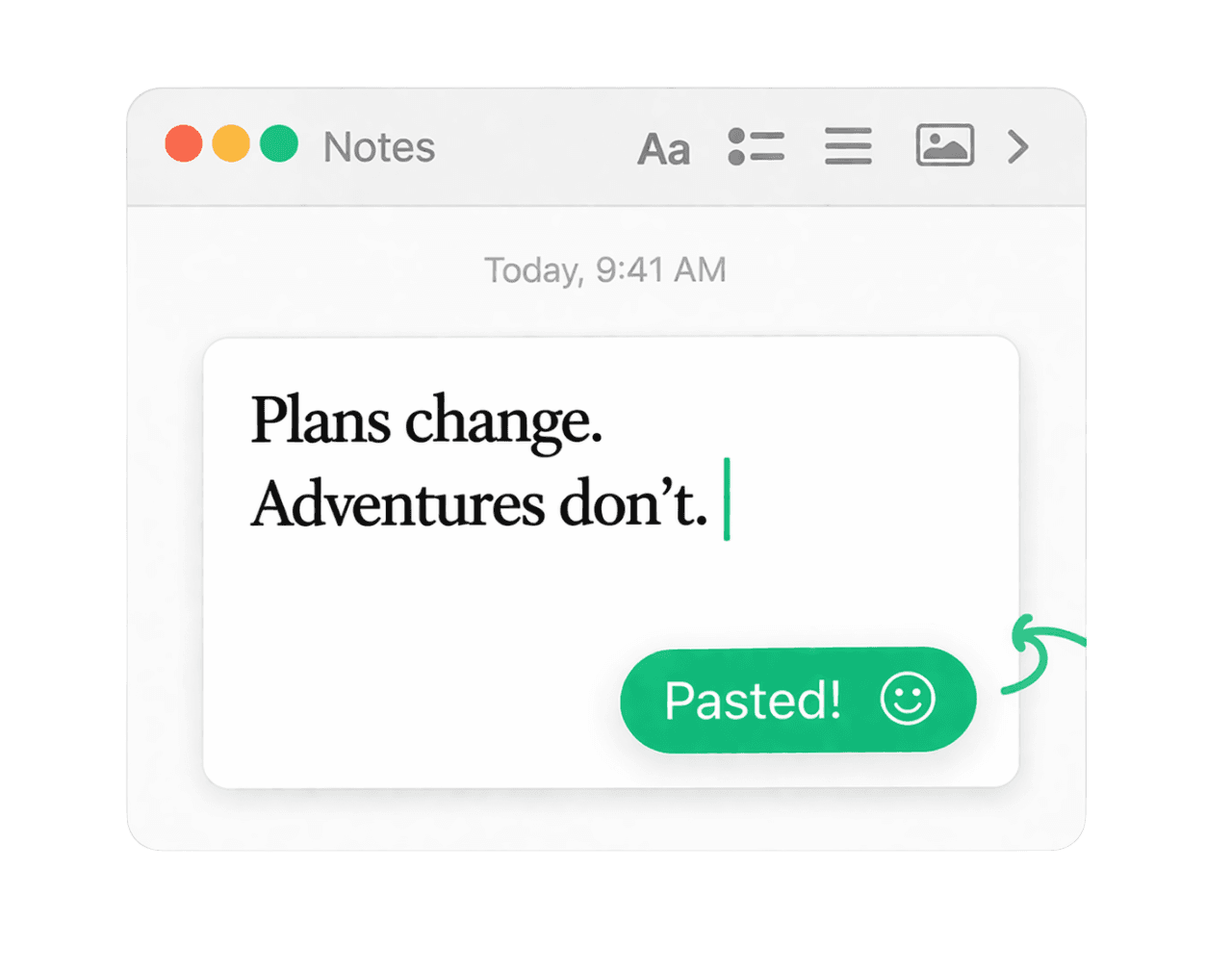
Local extraction fixes that. It keeps the task immediate, keeps the data on the device, and keeps the workflow working wherever the Mac works.
That is why PeekText is more than a convenience feature. It turns text extraction into something you can actually trust and use constantly.
Stop pausing and retyping
Extract any text from any video on your Mac.
PeekText works entirely offline. No uploads, no subscriptions, no account required. Install once and use it every day.